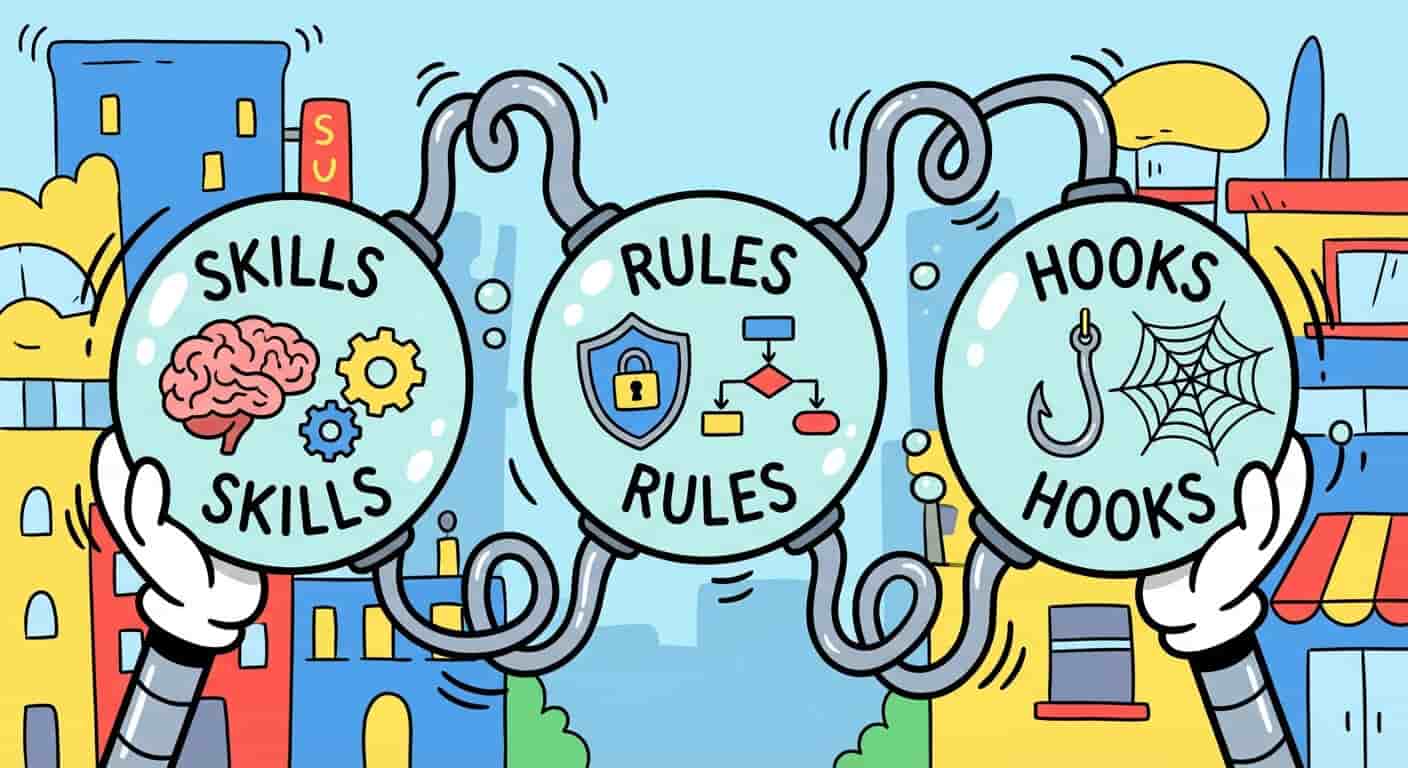
A new day started, a new concept in AI Agents emerged.
If you've been following the AI-Engineering revolution we are passing though, you probably have been hearing words like Tools, Rules, or the new kid on the block, Skills. And if you're like me, you might have nodded along while secretly wondering, "Wait, are we just renaming functions and callbacks again?" 😅
Well, yes and no. In the world of Agentic AI, these terms have specific nuances that define how our digital teammates operate. Let's break them down so we can all speak the same agentic-language ⬇️
Rules 📜
First, let’s talk about Rules.
Rule
A hard constraint or directive that governs the agent's specific behavior. Unlike a general system prompt, a Rule is often conditional or context-specific.
We all know LLMs can be... creative. Sometimes too creative. Rules act as guardrails we set up to keep AI on track. They are the "Policy Layer" of your agent.
The "Vibe" Check
Imagine you are building a support agent. You don't want it promising refunds it can't give.
import google.generativeai as genai

# Rules can be merged in the system prompt
rules = [
    "Always be polite but firm.",
    "NEVER share customer PII (Personally Identifiable Information).",
    "If the user asks for a refund, escalate to a human immediately."
]

# Format the rules into a single instruction string
system_instruction = (
    """You are a helpful customer service assistant.
    You must follow these rules without exception:\n"""
    + "\n".join(f"- {rule}" for rule in rules)
)

# Configure the model with your API key first
# genai.configure(api_key="YOUR_API_KEY")

# The rules are injected here, as a foundational instruction
model = genai.GenerativeModel(
        model_name="gemini-1.5-pro-latest",
    system_instruction=system_instruction
)

# Now, when you use the model, it will adhere to the rules
chat = model.start_chat()
response = chat.send_message("I need a refund for my last order.")

print(response.text)
In the Agent Development Kit, rules can even be dynamic, and change based on the state of the conversation / context.
Hooks 🪝
Hook
An event listener that triggers at specific points in the agent's lifecycle: before it thinks, after it acts, or when an error occurs.
If you've done any React or web dev, you know exactly what this is. Hooks allow us to "spy" on the agent or inject logic without messing up the main loop. This is crucial for Observability.
Hooking Under the Hood
Want to know exactly what your agent is thinking before it speaks? Use a hook!
def on_agent_thought(thought_trace):
    print(f"🤔 Agent is thinking: {thought_trace}")

def on_tool_call(tool_name, args):
    logger.info(f"🛠️ Agent is calling {tool_name} with {args}")

# Attaching hooks to your agent runtime
agent.on("think", on_agent_thought)
agent.on("action", on_tool_call)
Hooks are your best friends for debugging. They let you see the Apply phase of the loop we talked about in the last post.
Skills 🛠️
Finally, the fresh baked concept of the week: Skills.
Skill
A self-contained package of instructions and tools that teaches an agent how to perform a complex task. It's not just a function call, it's a workflow.
In the old days (aka last month), we called these the good ol' "tools". But a Skill is bigger. It typically includes:
- Instructions: A detailed prompt explaining the "how-to".
- Tools: The actual code/functions needed to do the work.
- Resources: Templates or reference files.
The SKILL.md Pattern
It seems the SKILL.md file is the new standard. This markdown
file acts as the brain for that specific capability.
Imagine you want your agent to be an expert at writing newsletters. You wouldn't
just give it a send_email tool. You'd give it a Newsletter Skill.
skills/newsletter/SKILL.md:
# Newsletter Writer Skill

You are an expert at drafting engaging tech newsletters.

## Workflow
1.  **Research**: Use the `search_web` tool to find trending topics.
2.  **Draft**: Summarize the findings into bullet points.
3.  **Tone**: Keep it witty, informative, and use emojis.
4.  **Review**: Ask the user for feedback before finalizing.

## Tools
- search_web
- save_draft
The agent reads this SKILL.md and instantly "downloads" the know-how to run
that entire process. It can reliably follow the workflow step-by-step, rather
than just guessing what to do with a raw tool.
This is powerful because it lets you compose agents. Need a coder? Give it
the Coding Skill. Need a researcher? Swap in the Research Skill.
Why This Matters 🧠
Defining these terms isn't just semantics. It changes how we architect our systems.
- Rules make them chaotic-to-reliable.
- Hooks make them black-box-to-observable.
- Skills make them useless-to-expert.
When you start building with frameworks like the ADK, you stop thinking in "prompts" and start thinking in Composability. You compose an agent by binding it with Rules, monitoring it with Hooks, and equipping it with Skills.
That's the Agentic way.
Happy coding! 👩🏽💻👨🏽💻